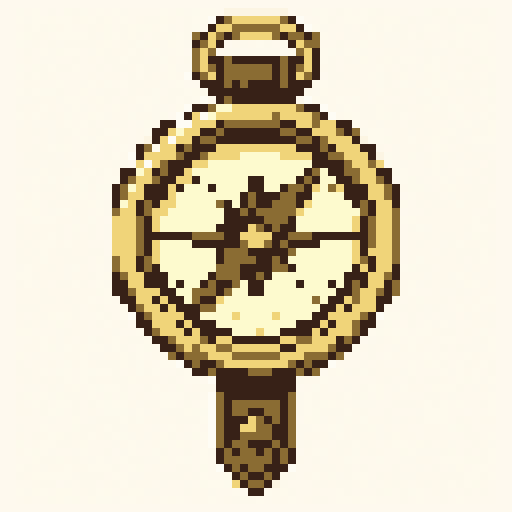
Magic Compass
objects · pico8 · 64x64
Easy pixel art
Start with easy-to-remix pixel art templates for food, flowers, plants, and simple props. Open a focused subject in Studio and learn by editing a real grid.
objects · pico8 · 64x64
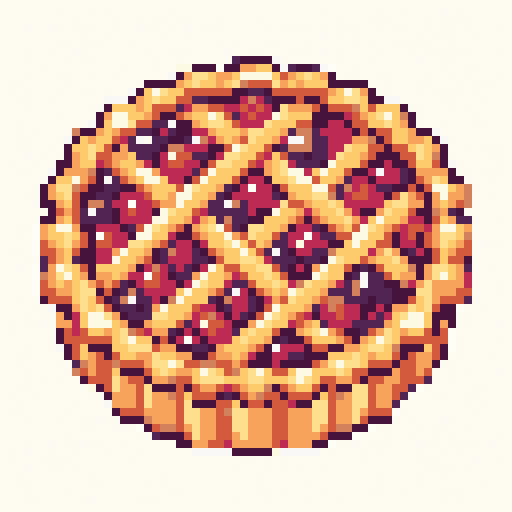
objects · dawn · 64x64
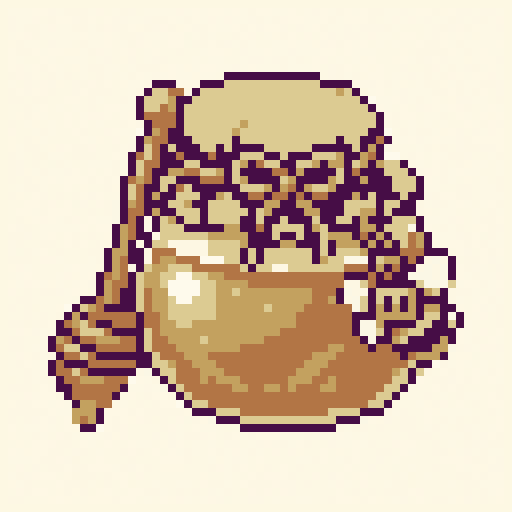
objects · dawn · 64x64
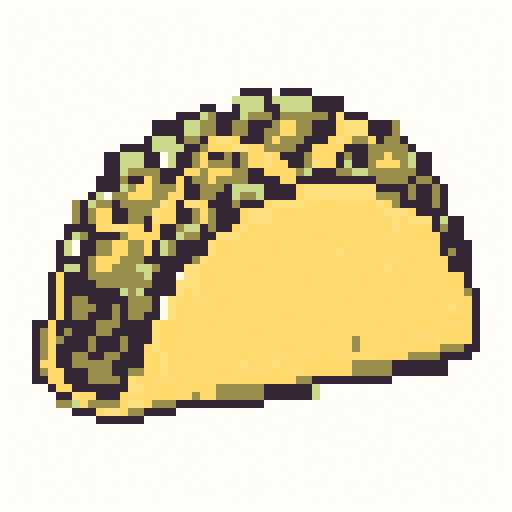
objects · ocean · 64x64
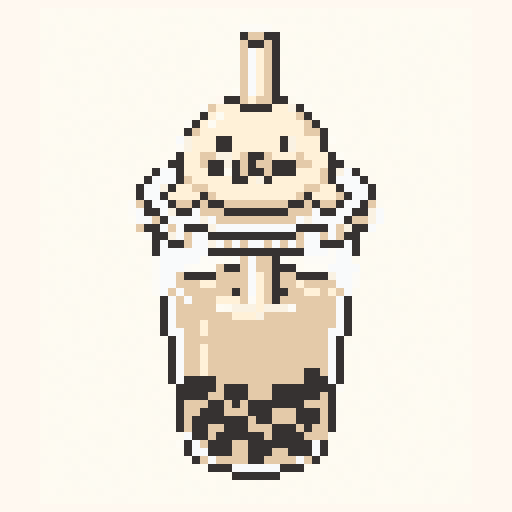
objects · nes · 64x64
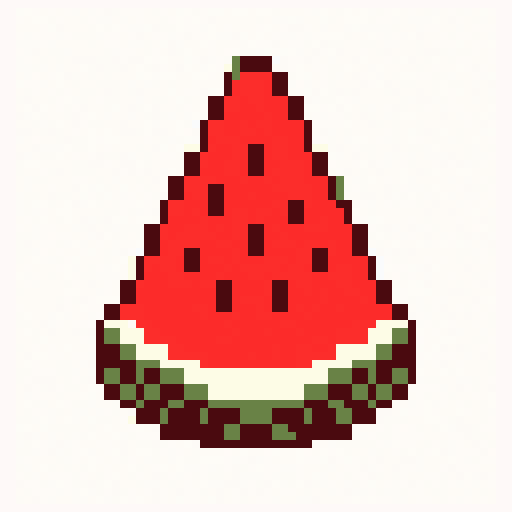
objects · nes · 64x64
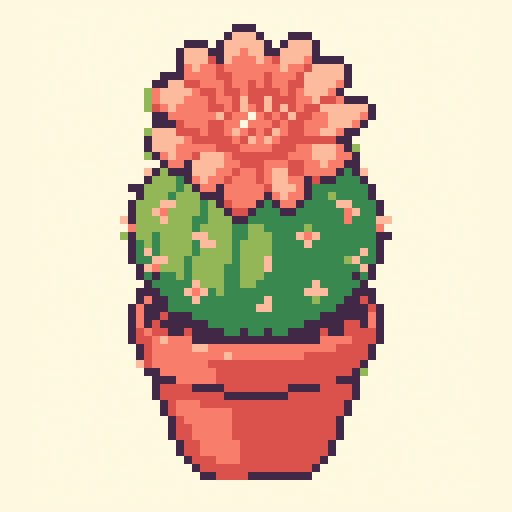
nature · dawn · 64x64
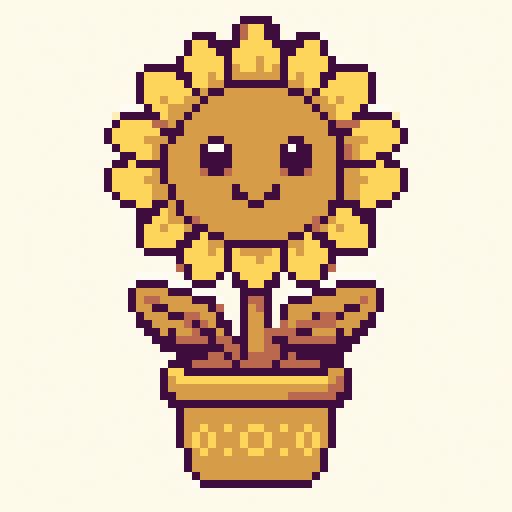
nature · dawn · 64x64
Search intent
Easy pixel art starts with one centered silhouette and a small palette. These curated food, flower, and prop templates are simple enough to understand before you edit the details.
A compass, jar, drink, or fruit slice keeps the silhouette clear and the exercise focused.
Tarts, tacos, cactus blooms, and sunflowers use familiar shapes that are easy to recognize.
Simple props make it easier to see how outline, fill, shadow, highlight, and accent colors work together.
Prompt starters
easy pixel art compass with a round silhouette and dark outlineeasy pixel art watermelon slice with four main colorseasy pixel art sunflower pot with simple leaves and one highlightFAQ
A blank 32x32 canvas is a friendly place to draw from scratch. The curated examples here use larger grids, but their single centered subjects remain easy to inspect and remix.
Use 4 to 16 colors at first: background, outline, fill, shadow, highlight, and one accent color.