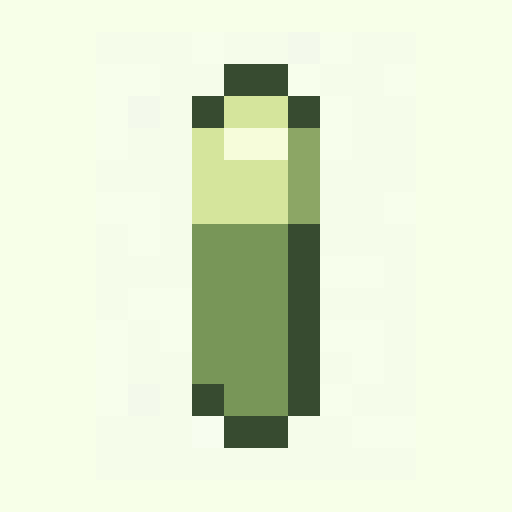
Battery Cell
objects · gameboy · 16x16
16x16 pixel art
Browse editable 16x16 pixel art templates for icons, tiles, inventory items, and tiny game sprites. Remix each template in Palettely Studio and export PNG, SVG, JSON, CSS, or Tailwind.
objects · gameboy · 16x16
objects · mono · 16x16

objects · ember · 16x16
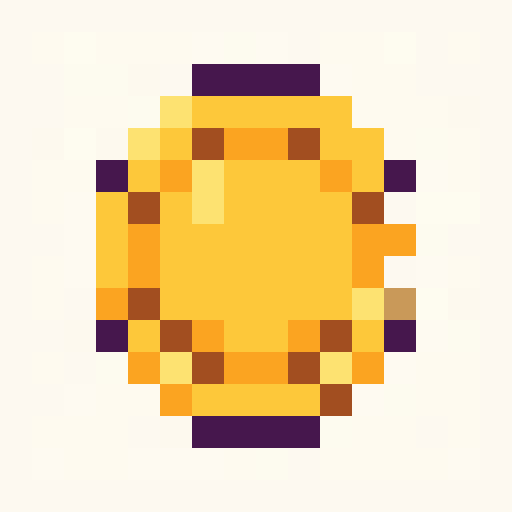
objects · dawn · 16x16

objects · bubblegum · 16x16
nature · forest · 16x16
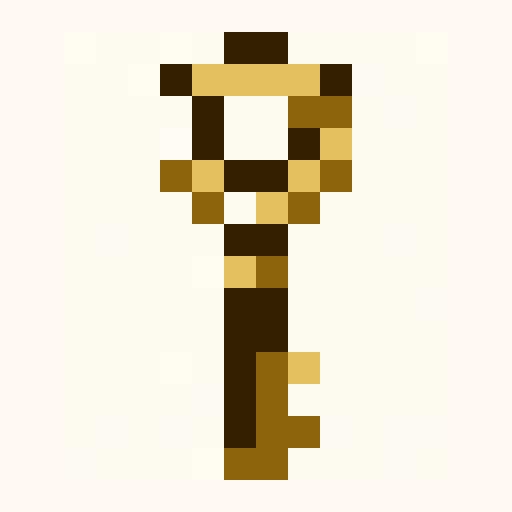
objects · ember · 16x16
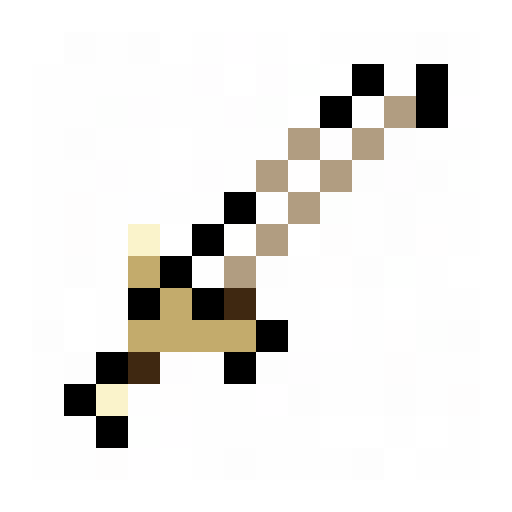
objects · nes · 16x16
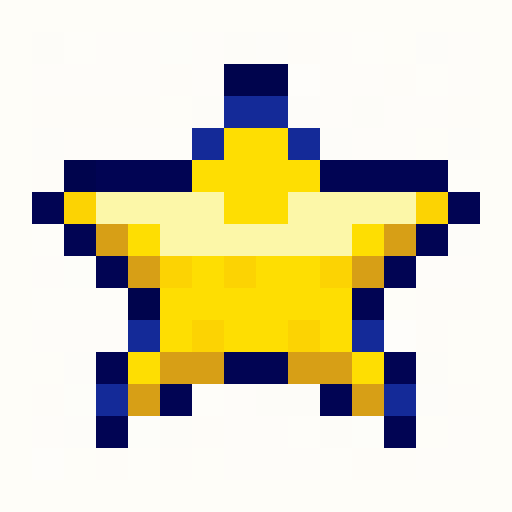
objects · pico8 · 16x16
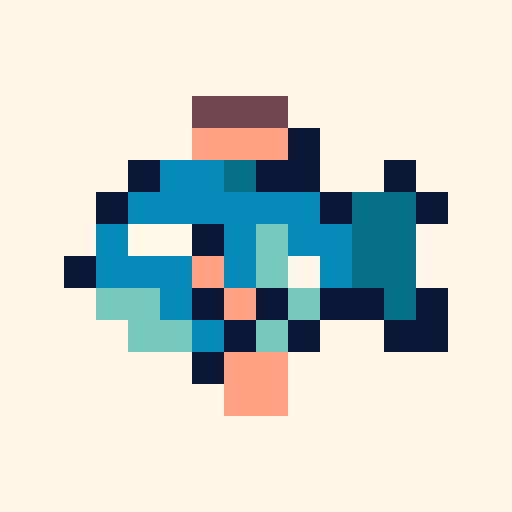
animals · ocean · 16x16
Search intent
16x16 pixel art is best when the silhouette matters more than detail. These templates keep shapes readable at favicon, inventory, tile, and UI scale.
Use 16x16 for hearts, coins, keys, badges, buttons, and compact HUD states.
Small terrain and prop tiles stay readable when each pixel has a job.
A tiny grid is the quickest way to test a palette, silhouette, or export workflow.
Prompt starters
16x16 golden coin icon with one bright rim highlight16x16 health heart with dark outline and two shine pixels16x16 magic key inventory item, readable silhouetteFAQ
16x16 pixel art is ideal for icons, inventory items, tile-map details, favicons, and tiny UI states where readability matters more than detail.
Yes. Open any template in Studio and export PNG, SVG, JSON, CSS variables, or Tailwind palette tokens.