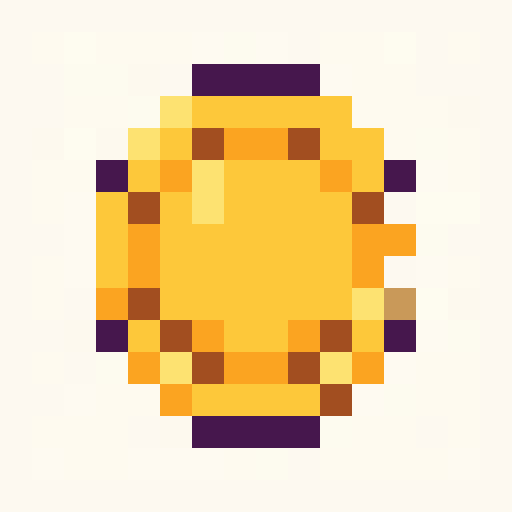
Gold Coin
objects · dawn · 16x16
pixel art icons
Browse editable pixel art icon templates for games, websites, inventory UI, badges, and social assets.
objects · dawn · 16x16

objects · bubblegum · 16x16
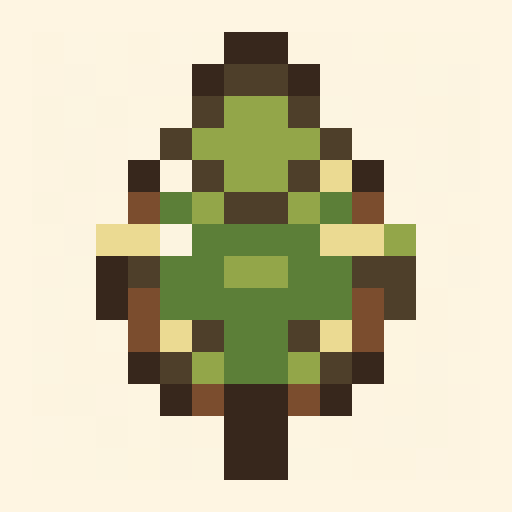
nature · forest · 16x16
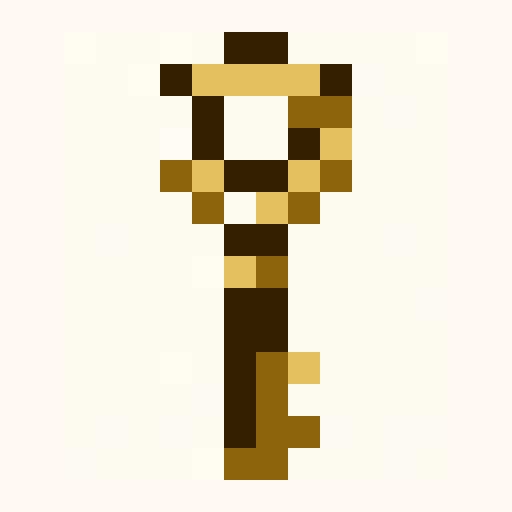
objects · ember · 16x16
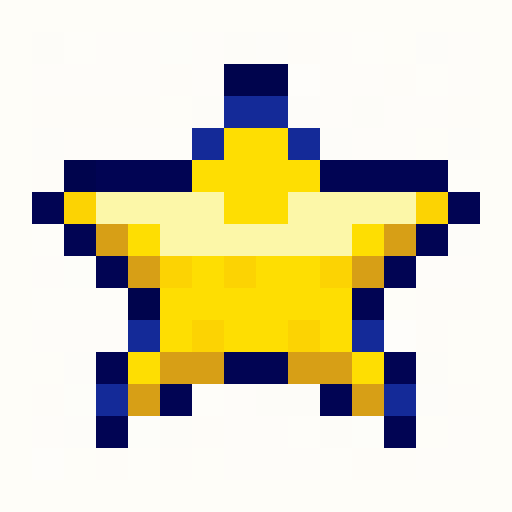
objects · pico8 · 16x16
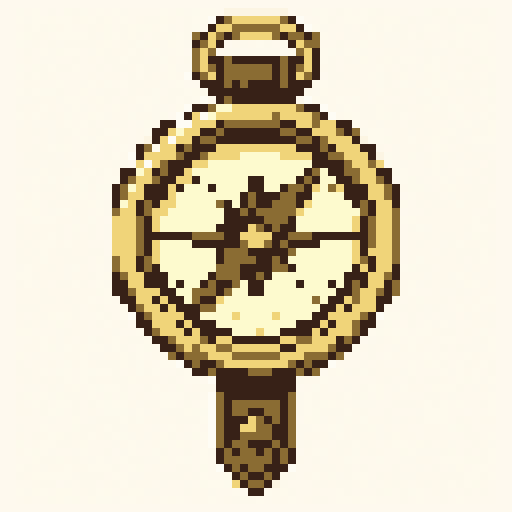
objects · pico8 · 64x64
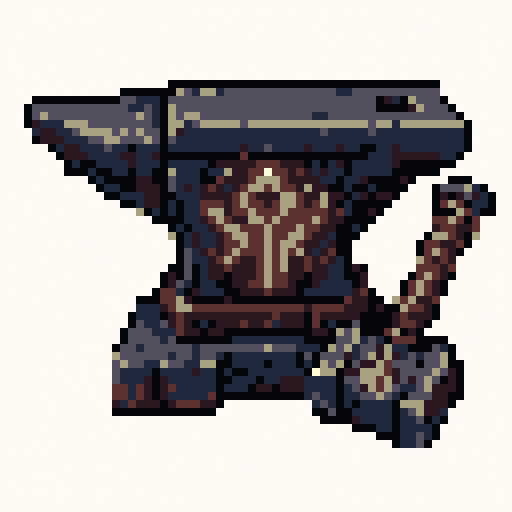
objects · pico8 · 64x64
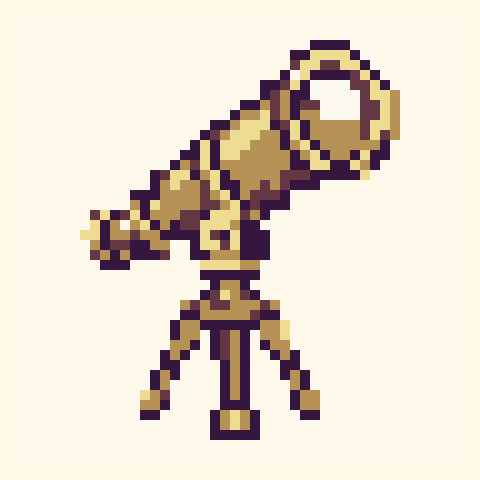
objects · dawn · 48x48
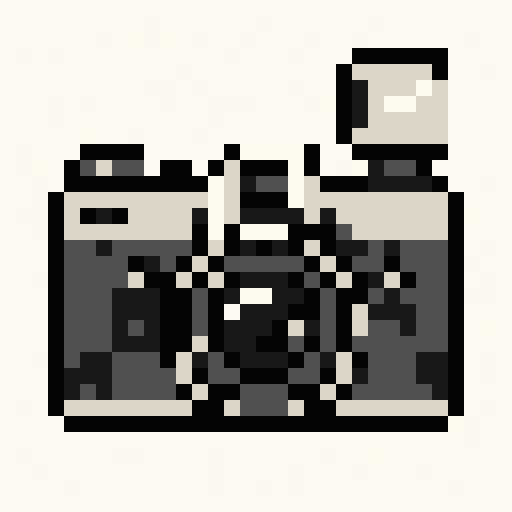
objects · mono · 32x32
animals · tomodachi · 24x24
objects · gameboy · 16x16
objects · mono · 16x16

objects · ember · 16x16
objects · nes · 16x16
animals · ocean · 16x16

landscapes · mono · 64x64
Search intent
Pixel art icons need one recognizable shape, one strong outline, and a small number of highlight pixels. Start with 16x16 or 32x32.
Choose a template with the clearest silhouette before changing colors or details.
Try built-in palettes to see whether the subject reads better as cozy, arcade, monochrome, or console-style art.
Use PNG for game engines, SVG for documentation, JSON for data, and CSS or Tailwind for web UI.
Prompt starters
16x16 coin pixel art icon with gold highlight32x32 magic key icon with blue gempixel art badge icon with simple silhouetteFAQ
Yes. Open any template in Palettely Studio to edit individual pixels, swap palettes, change metadata, and export production files.
Good pixel art starts with a readable silhouette, limited colors, controlled highlights, and enough contrast between the subject and background.