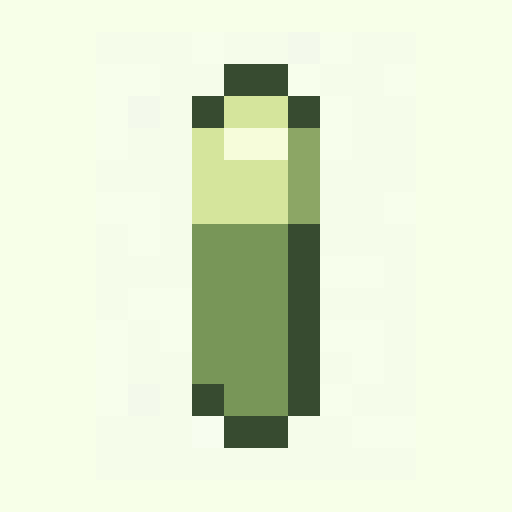
Battery Cell
objects · gameboy · 16x16
8x8 pixel art
Study tiny pixel art ideas and remix nearby 16x16 templates when 8x8 is too constrained. Build readable icons, tiles, and micro sprites in Palettely.
objects · gameboy · 16x16
objects · mono · 16x16

objects · ember · 16x16
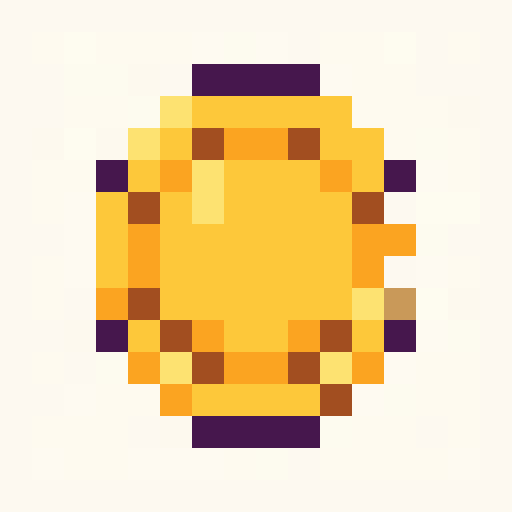
objects · dawn · 16x16

objects · bubblegum · 16x16
nature · forest · 16x16
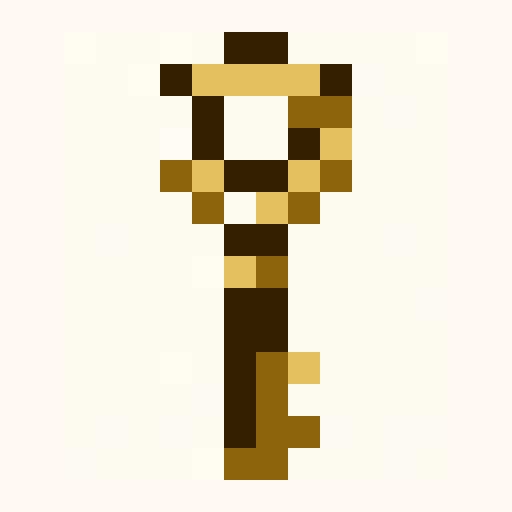
objects · ember · 16x16
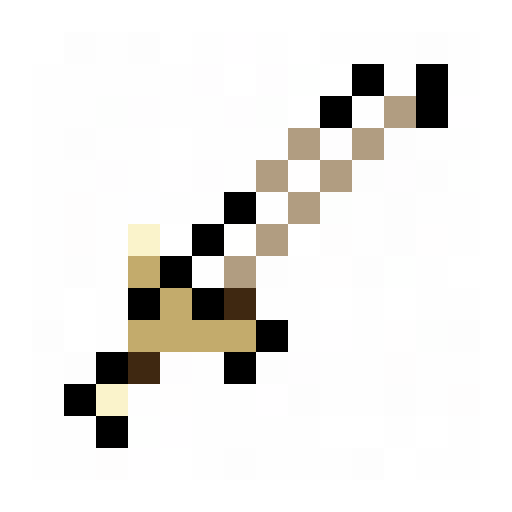
objects · nes · 16x16
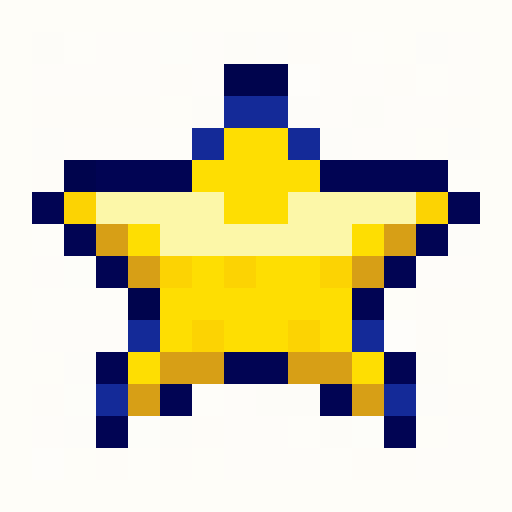
objects · pico8 · 16x16
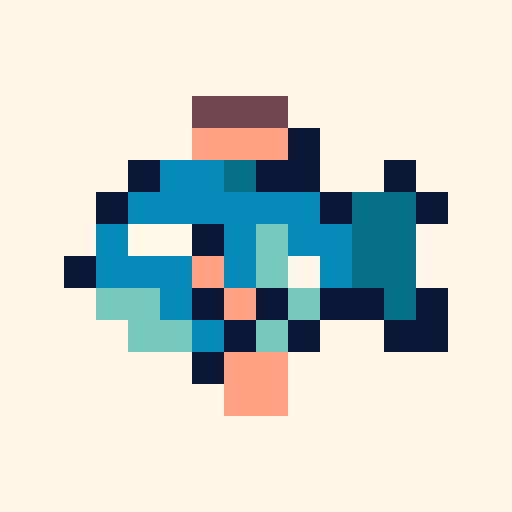
animals · ocean · 16x16
Search intent
8x8 pixel art is extremely constrained. Palettely uses 16x16 templates here as editable references so you can simplify down to 8x8 inside Studio.
Begin with a 16x16 icon, then remove every non-essential pixel until the silhouette still reads.
8x8 art needs clear background, outline, highlight, and one accent at most.
Think in symbols: heart, coin, arrow, eye, key, star, or tile corner.
Prompt starters
8x8 heart icon with one highlight pixel8x8 coin symbol with dark outline8x8 star sparkle using four colorsFAQ
8x8 art has only 64 pixels, so tiny details collapse quickly. Use simple symbols and high-contrast palettes.
Studio currently focuses on larger editable grids. Use 16x16 references and simplify them manually for 8x8-style icons.